QuickCall: Real-time AI Conversations
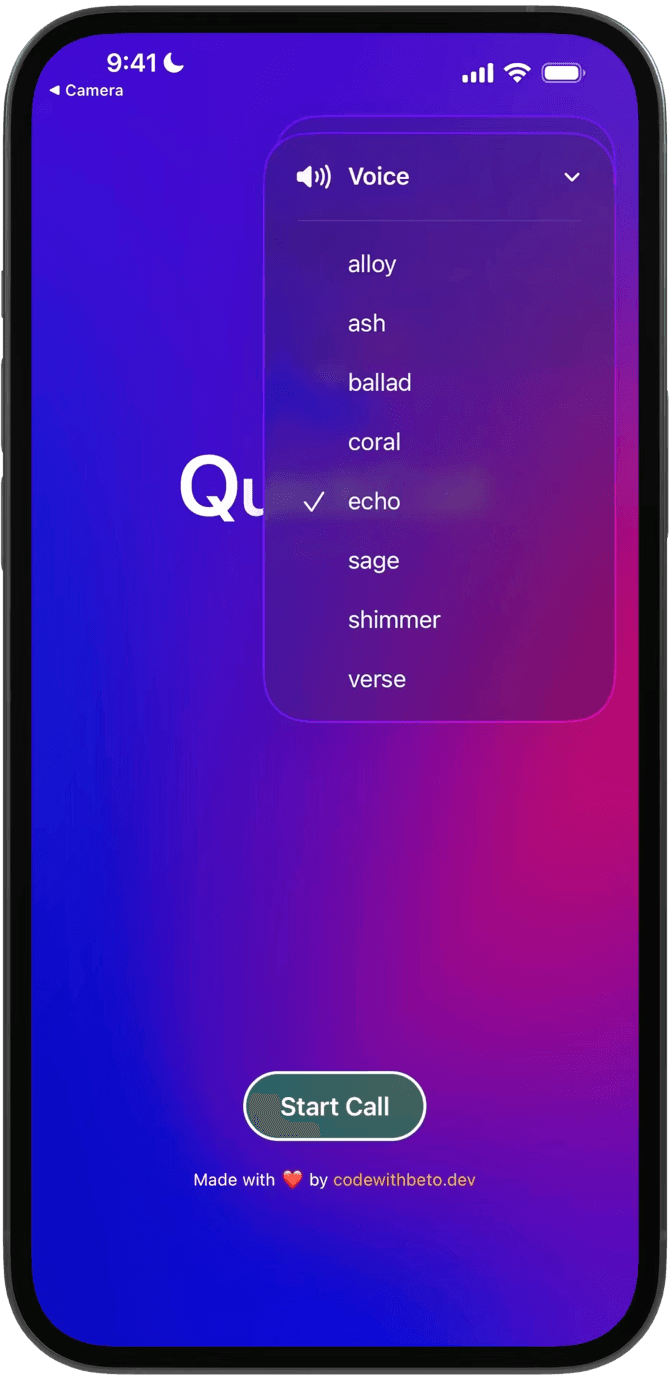
Voice selection screens from the real-time AI calling app.
Screens
Voice options
Live call
Overview
QuickCall AI showcases the power of OpenAI's Realtime API enabling real-time, low-latency speech-to-speech AI conversations using react-native-webrtc
Designed for developers, this template demonstrates how to build fluid, natural conversations featuring real-time transcription, fast response times, and production-ready implementation
Proven in Real Projects
QuickCall AI has been used by teams building real-world apps. One team from Europe, developing a Duolingo-style application, used it to prototype multi-language speaking exercises with real-time speech-to-speech AI.
What You Get with Pro Lifetime Access
When you become a Pro member at Code with Beto, you get lifetime access to all our premium resources: complete source code, templates, and tools through our private GitHub organization. Every project we release is available there, searchable and ready to use.
We actively maintain everything to ensure a smooth dev experience across iOS and Android, with easy setup and up-to-date dependencies. Pro access also includes entry to our private Discord community, where you can ask questions, get support, and connect with other developers.
Get Started Today
Questions? Join our Discord server where our community of AI developers is ready to help! Or if you prefer, send us an email at beto@codewithbeto.dev
Give your agent real apps to learn from.
Your agent reads real app source and adapts it to your project. Free covers our blog, guides, skills, screens, and Oyelo. Pro adds every lesson and codebase.
Sign in
Use Google or GitHub and copy your MCP setup from your profile.
Connect your agent
Paste it once into your MCP client.
Ask about real code
Try “How does Oyelo keep audio playing in the background?”